Google Gemini 3: The Most Powerful AI Model Explained
A few months ago, a friend who runs a design studio told me he spent half a day writing prompts, fixing drafts, and re-editing AI-generated images. When he tried Google Gemini 3 for the first time, the entire workflow that usually took hours was done in minutes. That moment made him rethink how fast AI is evolving.
Here’s the thing: Gemini 3 isn’t just another model update. It changes how teams create, analyse, automate, and build products with AI. If you’ve been wondering what makes Google Gemini 3 so talked about, this guide breaks it down for you without the hype.
What Is Google Gemini 3?
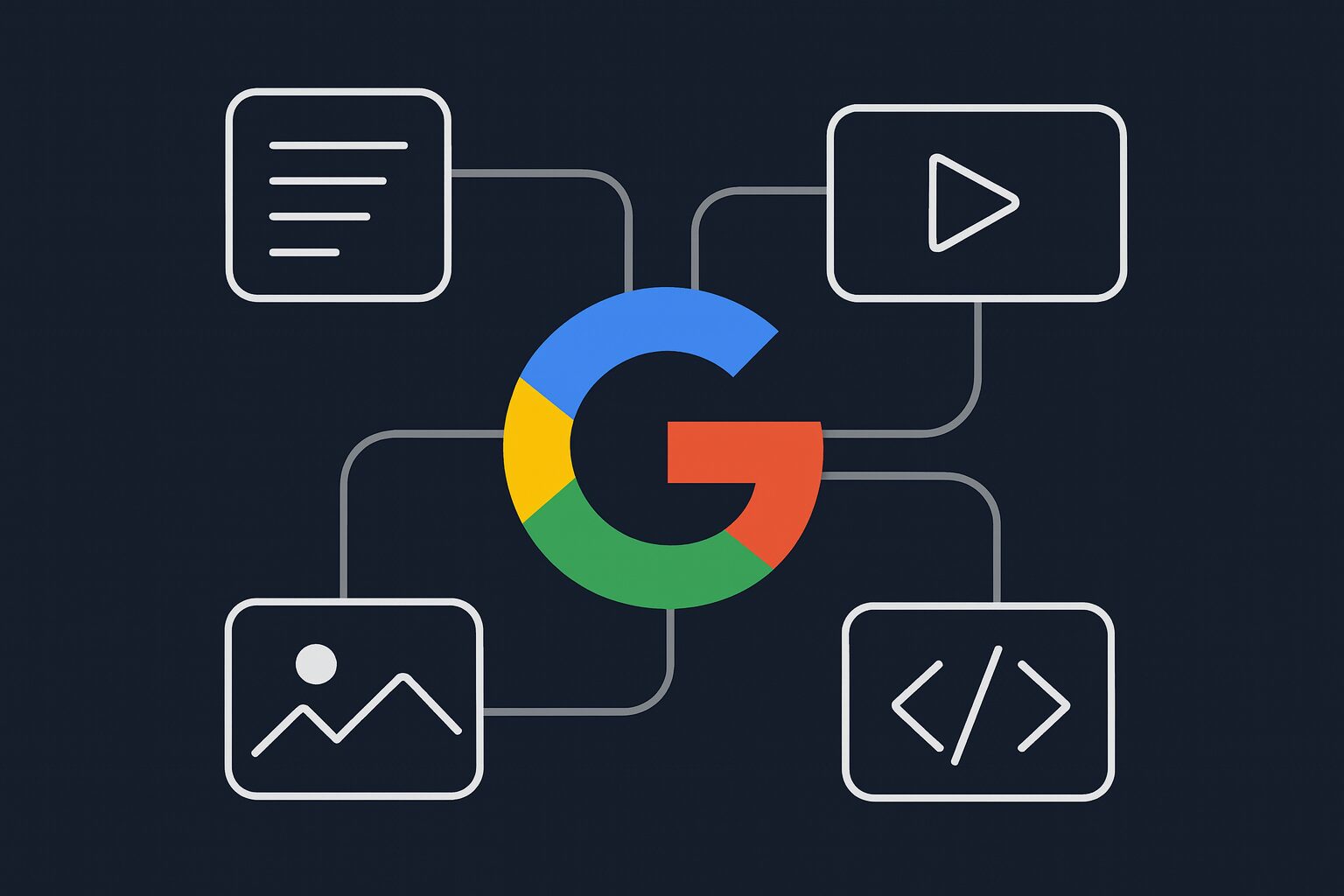
Google Gemini 3 is Google’s newest multimodal AI model designed to understand and generate text, images, audio, video, code, and complex reasoning tasks. It brings faster output, better accuracy, and stronger real-world performance compared to previous generations.
Why People Care About It
Gemini 3 solves the two biggest frustrations users had:
- Slower reasoning in earlier versions
- Limited control over complex creative tasks
Tip: Always match your task with the right model variant. Ultra is for reasoning, Pro for general use, Nano for on-device tasks.
Key Features of Google Gemini 3
Below are the upgrades users actually feel in day-to-day work.
1. Advanced Multimodal Understanding (Text, Image, Audio, Video)
Gemini 3 can take a video clip, transcript, spreadsheet, and image and combine all of them in a single answer.
Common Mistake:
Expecting perfect interpretation from low-quality images or unclear inputs. Clearer data gives more accurate responses.
2. Faster and More Accurate Reasoning
The model breaks down complex prompts better. Developers and analysts notice it in coding, debugging, and long-form writing.
Myth:
“Gemini 3 replaces all decision-making.”
Not true. It assists, but final judgment should still be human-led.
3. Better Creativity and Image Generation
For writers, designers, and marketers, Gemini 3 delivers detailed image prompts, refined edits, and better control over stylistic choices.
Tip:
Use explicit style constraints to avoid the model adding its own imagination.
4. Stronger Code Assistance
Gemini 3 understands multi-file repos, API logic, and complex system prompts.
Common Mistake:
Using short prompts for large codebases. Feed it structure and context for best results.
5. Privacy-Ready On-Device Model (Gemini Nano 3)
Nano runs directly on Android devices without sending data to the cloud.
Myth:
“On-device means low power.”
Nano 3 is surprisingly capable for offline tasks.
Google Gemini 3 vs Previous Generations
Let’s break it down quickly.
| Feature | Gemini 1 | Gemini 2 | Gemini 3 |
| Reasoning | Good | Better | Excellent |
| Speed | Moderate | Fast | Very Fast |
| Multimodal | Basic | Improved | Highly Refined |
| Coding | Strong | Stronger | Near GPT-level |
| Customization | Limited | Moderate | Advanced |
Tip:
If you used Gemini 1 or 2 and felt they were inconsistent, Gemini 3 fixes most of that.
Who Should Use Google Gemini 3?
1. Marketers & Creators
For content ideas, ad creatives, prompts, video breakdowns, and campaign analysis.
2. Developers & Tech Teams
For debugging, documentation, API building, and code optimization.
3. Students & Researchers
For summarizing PDFs, complex reasoning, and multilingual tasks.
4. Businesses
For customer support automation, internal workflows, and decision support.
Framework: The 3M AI Workflow
Make
Measure
Modify
Gemini 3 fits naturally into all three.
Best Use Cases of Google Gemini 3
1. Product Design & Creative Workflows
Generate prompts, refine visuals, create variations, or build campaign ideas.
2. Data Analysis & Reporting
Upload sheets, ask for summaries, identify patterns, and build dashboards.
3. Coding Support
From debugging to writing full modules.
4. Business Operations
Automate emails, write SOPs, draft proposals, and analyze customer feedback.
Tip:
Use Gemini’s system prompts to lock tone, style, and constraints.
Common Myths About Google Gemini 3
Myth 1: Gemini 3 is an image generator only
It’s fully multimodal text, video, audio, code.
Myth 2: It’s only good for creatives
It’s strong in reasoning and coding, not just visuals.
Myth 3: It works magically without a prompt
Even the best AI still needs direction.
Potential Limitations
No model is perfect. Keep this in mind:
- Sometimes adds unnecessary creativity when prompts aren’t strict
- Needs accurate references for detailed technical outputs
- Image generation might vary depending on prompt clarity
- Internet-connected versions may follow Google safety filters strictly
Tip:
Use clear boundaries in prompts: “Do not add extra elements.”
Conclusion: Why Gemini 3 Matters
What this really means is simple: Gemini 3 pushes AI into a more practical, everyday tool for creators, developers, teams, and businesses. It takes complex tasks and makes them smoother and faster.
If you rely on AI for creation, operations, coding, or strategy, Gemini 3 is worth exploring deeply.