

AI Agents Explained: What They Are, How They Work, and Why They Matter
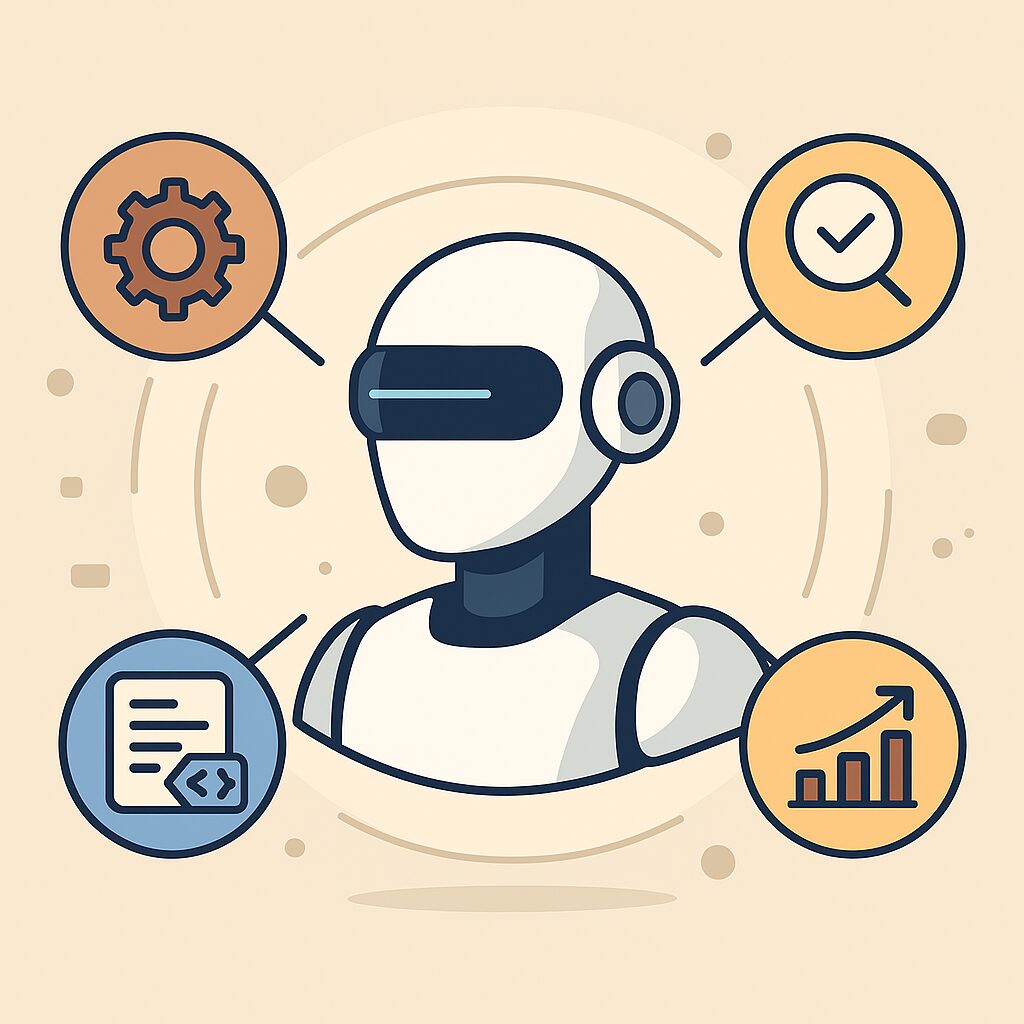
An AI agent is an automated system that takes a goal, plans the steps, uses tools to act, and completes tasks without human supervision. They automate workflows, improve accuracy, and help individuals and teams get more done with less effort.
A few months ago, a colleague told me about a small task that kept draining his Monday mornings. He spent nearly three hours downloading reports, cleaning data, joining sheets, formatting everything, and sending a summary email. One day he tried an AI agent workflow someone shared online. What usually ate a quarter of his morning finished in under four minutes.
That moment changed how he looked at work. If one irritating chore could disappear like that, what else could he automate?
Here’s the thing. AI agents are not hype. They are the next real leap in how people work, build, and make decisions. If you learn to use them early, you get an unfair advantage.
Let’s break it down.
What Is an AI Agent?
An AI agent is an autonomous system that takes a user goal, breaks it into steps, makes decisions, and completes the task on your behalf. It uses reasoning, tools, memory, and feedback to deliver results without constant supervision.
Simple explanation
A chatbot answers questions.
An AI agent gets things done.
Key Components of an AI Agent
- Goal
The clear outcome you want. - Memory
What the agent learns or stores for future decisions. - Tools or Actions
APIs, software, CRMs, browsers, databases, or any system the agent can interact with. - Reasoning Loop
How it plans, chooses actions, checks results, and decides the next move.
Common mistake
People assume an AI agent is a smarter chatbot. It is a worker, not a talker.
Tip
If you can write a workflow step by step, an AI agent can usually automate it.
How AI Agents Work Behind the Scenes
To understand how agents operate, think of them like digital interns who plan, act, and review their work.
Step 1. The agent reads your goal
Example: Find all failed orders today and email a summary.
Step 2. It creates a step by step plan
Tasks may include:
• Fetch order data
• Filter failed records
• Clean and sort
• Generate a summary
• Email the output
Step 3. It executes the steps using tools
This could be APIs, SQL, spreadsheets, browsers, or integrated apps.
Step 4. It checks results and retries if needed
Good agents self correct and attempt again when something fails.
Myth
Agents produce perfect results from day one.
Reality
They improve when you refine steps, add memory, or give feedback.
Why AI Agents Matter Right Now
1. They remove repetitive work
Anything that steals hours each week can be automated.
Examples
• Report creation
• Invoice matching
• Lead enrichment
• Marketing workflows
• Testing tasks
2. They make small teams feel big
One person with five well built agents can outperform a large manual team.
3. They reduce human error
Agents follow logic consistently. No fatigue. No rushed mistakes.
4. They work all day
Great for monitoring, customer support, alerts, financial checks, or risk workflows.
Types of AI Agents
1. Task Agents
Handle a single fixed workflow.
Best for reporting, scraping, formatting, uploading.
2. Multi Step Agents
Break a big goal into smaller goals and navigate independently.
3. Tool Using Agents
Connect with APIs, CRMs, spreadsheets, emails, ticketing systems, or databases.
4. Autonomous Agents
Plan, act, reflect, and optimize their own process.
Examples include Devin, Cognition Agents, and advanced CrewAI systems.
AI Agent Frameworks and Tools You Can Use
1. CrewAI
Great for running multiple agents that collaborate like a digital team.
2. LangGraph and LangChain
Perfect for structured workflows, memory handling, and custom tool creation.
3. OpenAI Reasoning Models (o1, ReAct)
Ideal for complex tasks that require strong reasoning.
4. n8n, Make, Zapier AI
Best for users who want no code automation with AI powered steps.
5. AutoGen
Useful for building multi agent collaboration with full control.
AI Agent Creation Checklist
A reliable agent follows a clear setup. Here is a simple seven step method.
- Define the exact goal
- List all tools or APIs needed
- Write the workflow step by step
- Add guardrails such as limits or retry logic
- Add memory or logging
- Test on smaller tasks first
- Automate fully when accuracy stays above 95 percent
This process prevents most failures.
Real World AI Agent Use Cases
For Developers
• Automated code review
• Auto bug reproduction
• Release note generation
• API testing agent
For Testers
• Test case generation
• Regression testing
• Log analysis
• Ticket drafting agent
For Business Teams
• Email assistant
• Lead qualification agent
• CRM updater
• Finance reconciliation agent
For Creators
• Script research
• Editing workflows
• Auto posting
• Hashtag and audience analysis
Common Mistakes People Make with AI Agents
Mistake 1. Vague goals
Fix: Be specific and measurable.
Mistake 2. Expecting perfection instantly
Fix: Train the agent and refine its instructions.
Mistake 3. No guardrails
Fix: Add limits like max emails or read only mode.
Mistake 4. Not reviewing logs
Fix: Track what the agent does and adjust when needed.
Final Thoughts
AI agents are evolving quickly. Teams that adopt them early will not just save time. They will redefine what productivity looks like. Start with one small workflow, refine the result, and then scale up. Soon your entire routine will look different.